How to File your ITR..
To file your Income Tax Return (ITR) online is an easy procedure, available on the official Income Tax e-filing website. Log in with your PAN and password, or register if you are a new user. On login, go to the “File Income Tax Return” tab and choose the applicable assessment year, 2025-26.
The filing deadline is usually September 15, with late submission subject to penalty. Go through this photo gallery to know the steps involved in filing your ITR.

Step 1:
Go to the Income Tax e-filing portal and login with your PAN and password. First-time users must register with their PAN.

Step 2:
After login, proceed to 'e-File' > 'Income Tax Returns' > 'File Income Tax Return' to initiate the filing process."

Step 3:
Select the correct Assessment Year (2025-26) and choose the relevant ITR form according to your sources of income.

Step 4:
Verify and fill income details, deductions, and exemptions. Most personal details are auto-filled. Carefully review all information.

Step 5:
Choose either Old Tax Regime (for highest deductions) or New Tax Regime (simple slabs, less deductions). Select according to your tax planning.

Step 6:
Preview your return carefully. Verify your details to make sure that there are no mistakes before submitting.
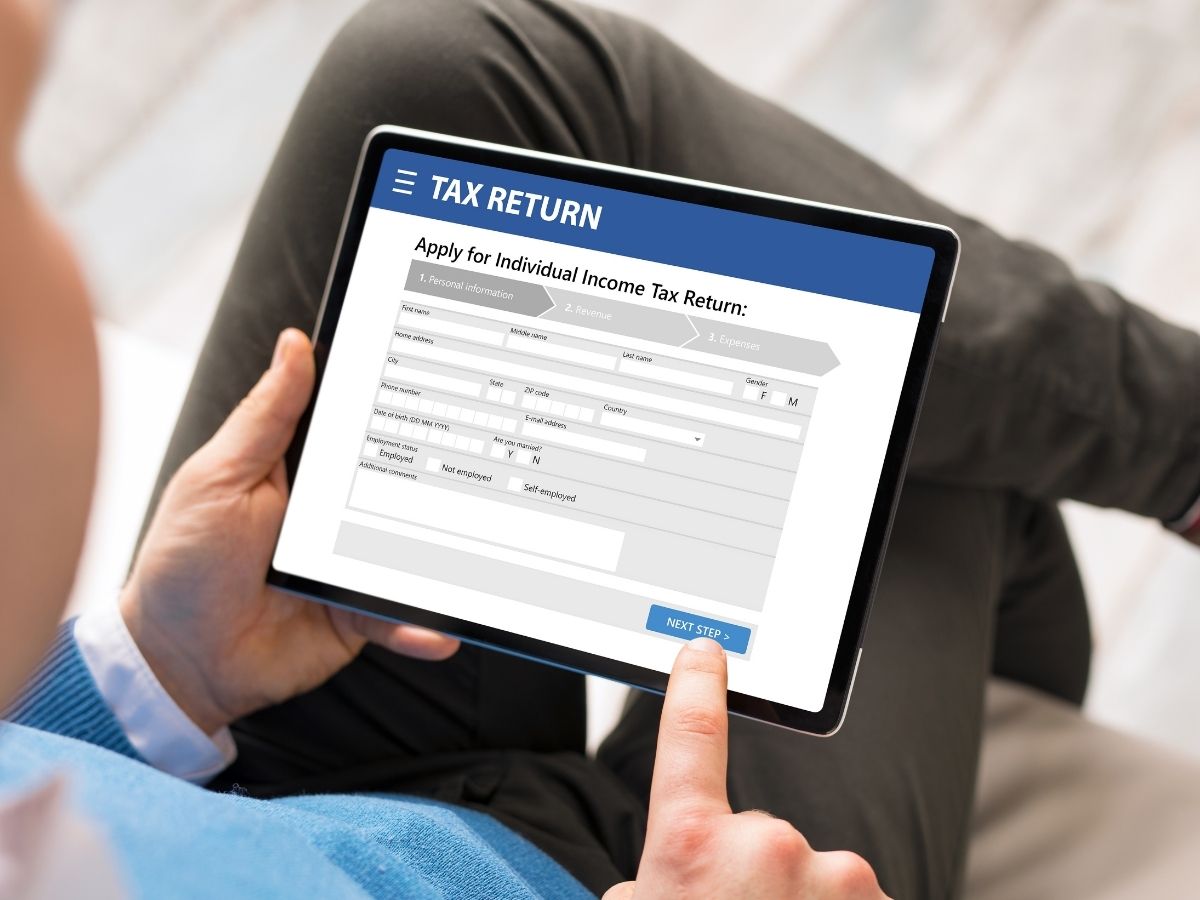
Step 7:
Submit your ITR and fulfill obligatory e-verification in 30 days via options such as Aadhaar OTP or Net Banking.

Step 8:
Download your ITR-V acknowledgement receipt. Keep it safely as proof of filing.