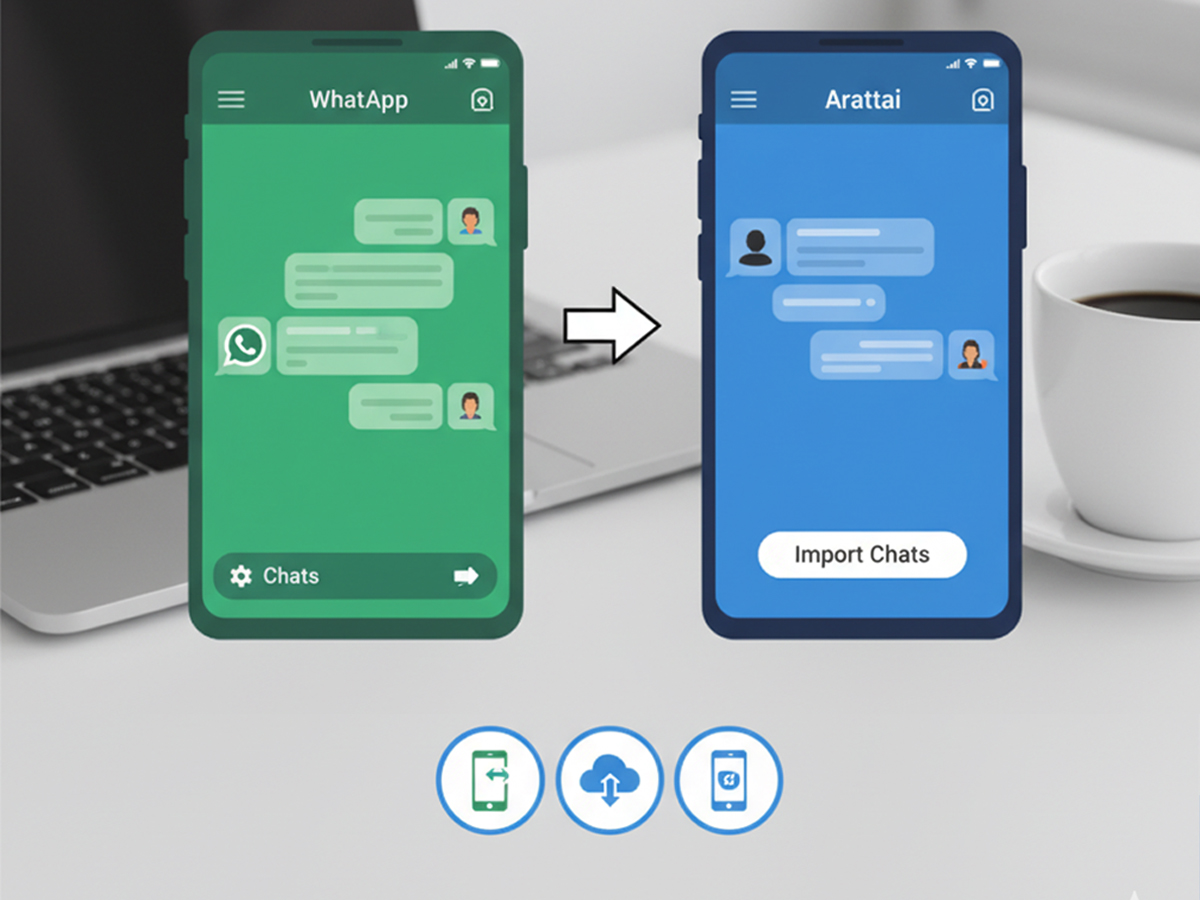
Indian company Zoho has launched a new messaging app called Arattai. The Indian government is promoting the app, and ministers like Ashwini Vaishnaw and Dharmendra Pradhan have asked people to try it. But many users still rely on WhatsApp because their old chats and contacts are stored there.
To solve this problem, Arattai now allows users to transfer WhatsApp chats into the app. This makes it easier to switch without losing old conversations.
Arattai vs WhatsApp
WhatsApp is India’s most used messaging app. It provides end-to-end encryption, which keeps chats private. Arattai, however, does not have end-to-end encryption for regular chats yet. Still, the Indian government is supporting Arattai as a homegrown and secure alternative to WhatsApp.
Steps to Transfer WhatsApp Chats to Arattai
If you want to move your chats from WhatsApp to Arattai, follow these steps:
- Install the Arattai app on your phone.
- Allow it to sync contacts so it can show which of your friends are already on Arattai.
- Open WhatsApp and go to the chat you want to move.
- Tap the contact’s profile.
- Scroll down and select Export Chat.
- Choose if you want to include photos and videos (Attach Media) or not.
- From the options, select Arattai.
- The chat will appear in Arattai if that contact is also using the app.
⚠️ Note: You cannot move all chats at once. Each chat must be exported separately, and only if the contact is on Arattai.
With or Without Media
If you select Without Media, only text messages will transfer.
If you select With Media, photos and videos will also move, but it will take more time.
Back Up WhatsApp Chats Before Deleting
Before deleting WhatsApp, take a backup of your chats:
- Go to WhatsApp Settings → Chats → Chat Backup.
- You can back up all chats or send individual chats to Gmail.
- To send a chat to Gmail:
- Open the chat window.
- Tap on the profile.
- Select Export Chat.
- Choose Gmail from the list.
- The chat will be sent to your Gmail inbox in text format.
- You can later download and save this file for future use.
How to Delete a WhatsApp Account
If you are ready to leave WhatsApp, delete your account:
- Open WhatsApp Settings.
- Go to Account.
- Tap Delete Account.
- Enter your number and confirm.
- This will permanently remove your WhatsApp account and data.
Why the Government Supports Arattai
Arattai is part of India’s plan to promote local digital apps. By supporting Arattai, the government wants to reduce the use of foreign apps like WhatsApp. While Arattai is still working on features like stronger encryption, it already provides a simple Indian option for messaging.
Conclusion
Moving from WhatsApp to Arattai has become easier with the new chat transfer option. Users can keep their important conversations, take backups, and even delete WhatsApp if they wish. Arattai’s future success will depend on how many users adopt it and how quickly it adds new security features.