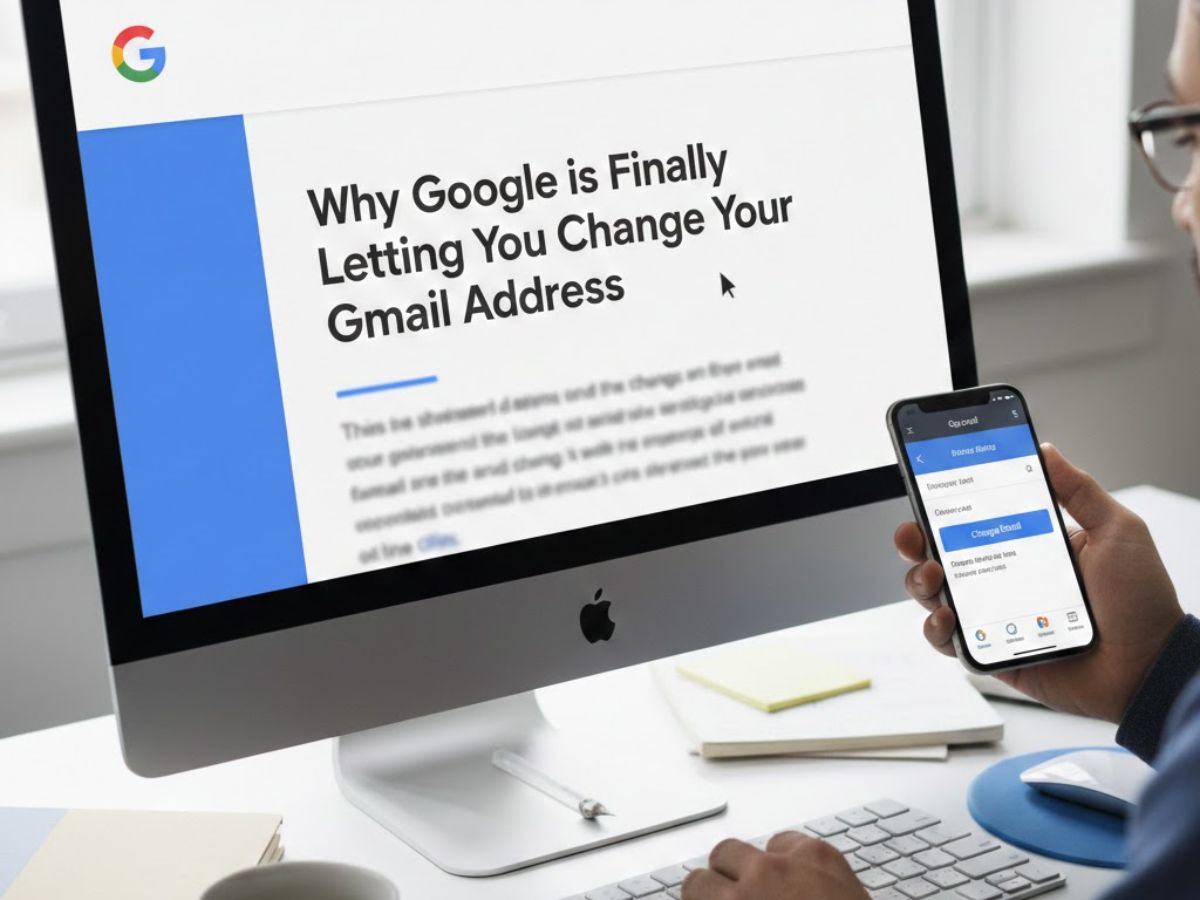
Google has announced a landmark update to Gmail that finally allows users to change their email username. This change, which began rolling out this week, addresses a nearly 20-year user frustration by letting people update an outdated @gmail.com address without losing their account data, profile, or connected services.
For over two decades, a Gmail address has been a permanent digital tattoo—once chosen, it was yours for life, even if it became an embarrassing relic of the past. That era is now over. Google is deploying a system update that will let users of personal @gmail.com accounts select a new username while keeping their entire Google identity intact.
What is Google’s New Gmail Update?
This is not a new email alias or a forwarding address; it is a fundamental change to the core identifier of a Google Account. The update allows eligible users to replace their primary @gmail.com address with a different, available @gmail.com address. Crucially, this process does not require creating a new account, transferring data, or resetting up services like YouTube or Google Drive.
The change applies exclusively to personal Gmail accounts ending in “@gmail.com..” Accounts managed by an organization, such as work or school accounts, or those using a custom domain (e.g., @yourbusiness.com), are not eligible. The new address you choose must also end in “@gmail.com..”
How Does Changing Your Gmail Username Work?
The feature is being activated gradually across user accounts. To see if you have access:
- Go to your Google Account settings.
- Navigate to the “Personal info” section.
- Click on “Email.”
- If your account is eligible, you will see an option to “Change your Gmail address.”
After the change is confirmed, your login ID and main email address are updated. However, Google keeps your previous address linked forever for a seamless transfer.
Also Read: Red Fort Blast: 40 Kg Explosive Used, Larger Network Busted Before Attack, Says Amit Shah
What Happens to Your Old Email Address?
Users are especially worried about the impact on past emails and account access. Google built this mechanism to avoid any disruption:
- Incoming Email: The same inbox will receive messages sent to both your old and new eail accounts.
- Account Access: You can use your new or old username to access your Google Account.
- Ownership: Google retains the old address on your account primarily as a recovery option. It cannot be released or claimed by another user, protecting your digital history.
The original email address may still be displayed in some older linked data, such as old Google Calendar event invites, but this will not impact functioning.
What Are the Limits and Rules for Changing It?
To prevent misuse and frequent changes, Google has instituted strict, non-negotiable limits:
Cooling-Off Period: You can’t change your Gmail address again for a full year after a change. If necessary, you might return to your old address within that year.
Lifetime Limit: Each Google Account can change its Gmail address a maximum of three times. This means a single account can be associated with four different @gmail.com addresses over its lifetime.
Account Lock: During the 12-month cooling-off period, you are unable to use your previous Gmail address to create a new Google Account because it is still linked to your profile.
Frequently Asked Questions (FAQs)
Q: Will I lose my emails, Google Drive files, or YouTube history if I change my Gmail address?
A: No. This is the main advantage of the update. Your purchase history, subscriptions, account information, and files all stay exactly the same. Only your primary email address is altered.
Q: Can I use this to change my email to a custom domain (like @myname.com)?
A: Don’t. The purpose of this feature is to switch from one @gmail.com address to another. Several Google Workspace features are needed for managing custom domains.
Q: If someone emails my old address, will they get a bounce-back error?
A: No. Emails sent to your previous address will still smoothly reach your inbox. If you change your address, the sender won’t be aware of it.
Q: Why is Google doing this now?
A: The decision immediately addresses one of the most persistent user complaints, updating a policy from Gmail’s early days to reflect how digital identities change over a lifetime, even though Google has not given an official explanation.