
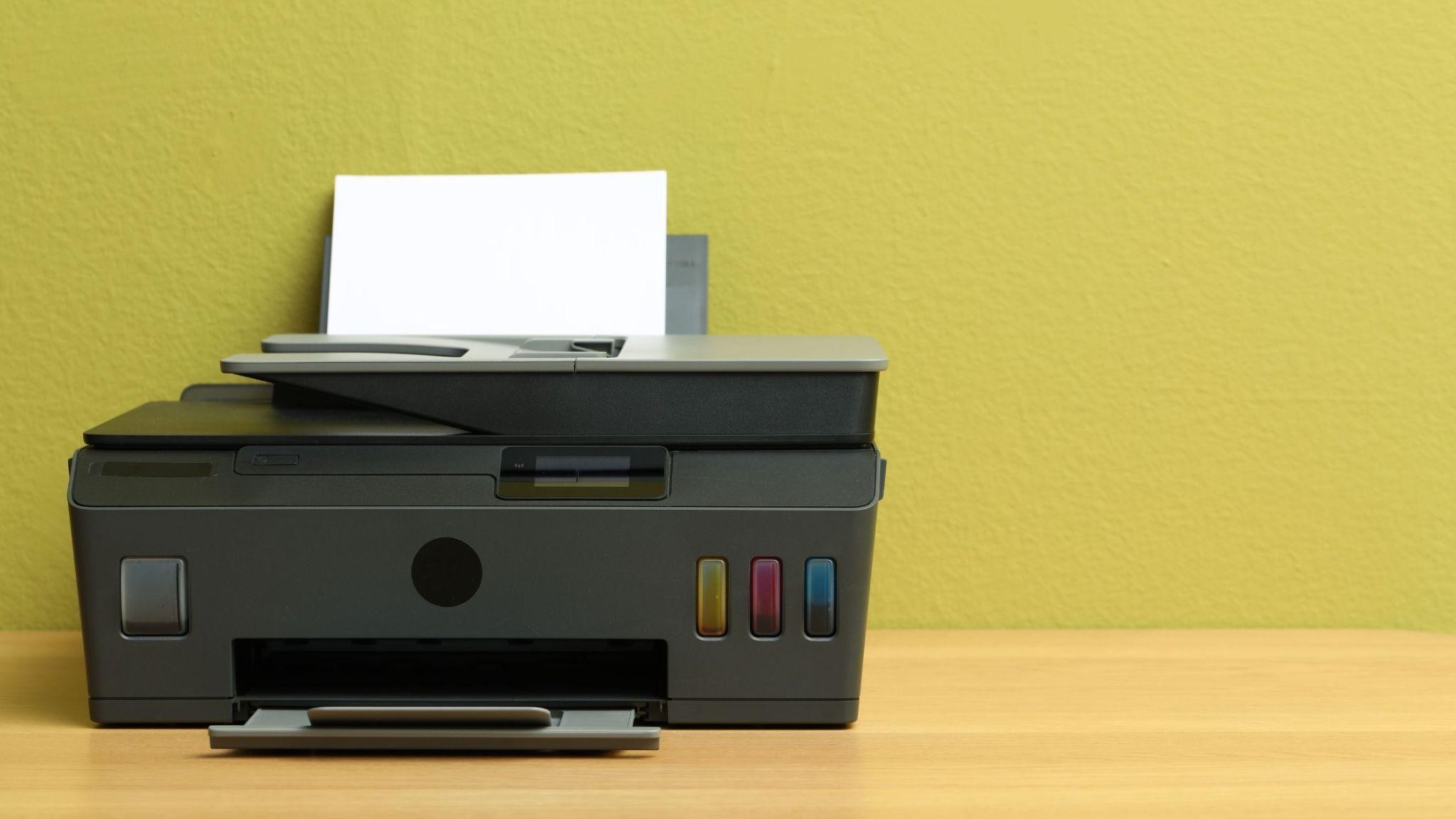
The best printer for DIY stickers accepts speciality inkjet sticker paper, reproduces fine colour detail cleanly and gives you borderless printing with custom size support. Get those three right, and you will spend far less time reprinting sheets.
Across Indian homes, stickers now decorate notebooks, gift packs and small-business parcels alike. Yet a lot of buying advice focuses on the wrong things. So instead of another feature list, this guide first clears up a few common myths, then decodes the spec sheet, and ends with a simple routine for clean first prints.
Sticker Printing Myths That Lead to the Wrong Printer
Most disappointing sticker sheets come from a mismatch between expectations and the printer’s specifications. These four come up again and again.
Myth 1: Any Printer Can Handle Sticker Paper.
Reality: Sticker sheets are thicker than plain paper and carry a backing layer. A printer needs to list support for speciality or photo inkjet media, and its recommended paper weight should suit the sheets you plan to buy. Paper support is the first thing to confirm when looking for the best printer for DIY stickers.
Myth 2: A Higher Price Guarantees Sharper Stickers.
Reality: Sharpness depends on optimised colour resolution, the paper you use and the quality setting you choose. A costly printer on the wrong paper setting can still give dull or smudged results.
Myth 3: Small Designs Need a Specialist Machine.
Reality: For most home projects, borderless printing, custom paper sizes, and a print preview with scaling are all you need. They let you fit more designs on one sheet and keep tiny details intact.
Myth 4: Ink Tank Printers Are Only for Office Documents.
Reality: Sticker sheets are colour-heavy, and refillable tanks make that kind of printing more practical than swapping out small cartridges after every batch.
Decoding the Spec Sheet for Sticker Printing
Printer specifications can feel like a foreign language. Here is what the key lines actually mean when stickers are your goal.
| Spec sheet line | What it means for stickers | What to look for |
| Media types supported | Check whether the sticker and photo sheets will feed properly. | Speciality, matte or glossy inkjet papers are listed. |
| Recommended media weight | This is how thick a sheet the printer is built for. | A range that suits your sticker paper. |
| Colour print resolution | How smoothly gradients and small text print. | A higher optimised colour DPI |
| Borderless printing | This means designs can run to the sheet edge. | Borderless support up to A4. |
| Custom paper sizes | Freedom to use half-sheets and smaller formats. | A clearly stated custom size range. |
| Page yield per set of tanks | How many sheets do you get before a refill. | High colour page yield. |
Read these lines together rather than one at a time, as strong colour resolution means little if your sticker paper doesn’t feed properly. The same checks are useful well beyond stickers. Anyone hunting for the best printer for handmade cards or planning scrapbook photo printing for a family album will find these lines just as relevant.
How HP Smart Tank Models Measure Up
Measured against the spec sheet lines above, here is where a few HP Smart Tank models stand. Each offers wireless printing, borderless printing up to A4 and support for photo and speciality inkjet papers.
● HP Smart Tank 585 / 589, for students: The HP Smart Tank 585 is available across all retail platforms, while the 589 is sold on online platforms. Both give up to 8,000 black and 6,000 colour pages per set of tanks, support custom paper sizes and come with a 1-year warranty.
Worth knowing: HP’s recommended paper weight here is on the lighter side, so check your sticker sheet weight first.
● HP Smart Tank 580, for families with school-going children: Built around home and learning, it offers up to 8,000 black and 6,000 colour pages, supports custom sizes and comes with a 1+1 year warranty.
Worth knowing: Two-sided printing is manual, which rarely matters for single-sided sticker sheets but adds effort for long documents.
● HP Smart Tank 675, for regular crafters: It gives up to 12,000 black and 8,000 colour pages, supports custom sizes, has automatic two-sided printing and a 1-year warranty.
Worth knowing: If you print stickers only occasionally, the extra yield may go unused.
● HP Smart Tank 720, for busy homes: It pairs up to 12,000 black and 8,000 colour pages with automatic two-sided printing and a 1-year warranty, so crafting can share one printer with everyday documents.
Worth knowing: It is a document-first, all-in-one, so a dedicated photo printer may suit you better if glossy photo stickers are your main focus.
Getting Clean Results From Your First Sheet
Even the right printer needs the right routine. These steps help your very first batch come out well.
- Print a draft on plain paper to check layout, spacing and size before using sticker sheets.
- Select the matching paper type in the app or driver, as the wrong setting is a common cause of dull or smudged colour.
- Choose the highest quality setting for sheets with small text or fine outlines.
- Thicken very thin lines in your design, as hairline outlines can break up on some papers.
- Let each sheet dry fully before cutting or peeling.
- Note the settings that worked so the next batch matches the first.
Conclusion
Good stickers come from a printer that suits your paper, settings that suit your sheet and a little patience with the first batch.
Ignore the myths, read the spec sheet with stickers in mind and match the model to how often you create. That approach makes it far easier to pick the best printer for DIY stickers for your home, along with one that still handles school notes and family printing comfortably.